
Download File Date Changer – Modify Creation and Last Modified Dates
Overview
File Date Changer is a lightweight utility application designed to give users direct control over the metadata of their files by allowing the modification of both creation and last modified dates. This functionality addresses a common limitation in standard file management systems, where users cannot easily alter these timestamps. The app is particularly useful in niche scenarios such as organizing legacy files, preparing backups, or troubleshooting software that relies on file timestamps for processing. By enabling users to adjust dates programmatically, File Date Changer fills a gap in the mobile productivity ecosystem, offering a simple solution for users who require precise file metadata management.
Targeted primarily at tech-savvy individuals, digital archivists, and professionals managing large file sets, the app serves as a practical tool for occasional but meaningful tasks. It is not intended for daily use but rather for specific workflows where timestamp accuracy or consistency is essential. The developer, Jason A. Bilbrey, appears to have focused on simplicity and efficiency, delivering a no-frills application that performs its core function without unnecessary complexity.
Real-world applications include aligning file dates during migration between devices, correcting inconsistencies after file transfers, or simulating historical file creation for testing purposes. Despite its narrow scope, the app holds value within the broader category of productivity tools by enhancing user autonomy over file metadata. Its minimal footprint and free availability further contribute to its accessibility and utility.
Key Features & Functionality
- Modify Creation and Last Modified Dates: Users can independently adjust the creation date and the last modified date of any file or folder. This level of control allows for precise timestamp manipulation, which is critical in scenarios requiring file chronology alignment.
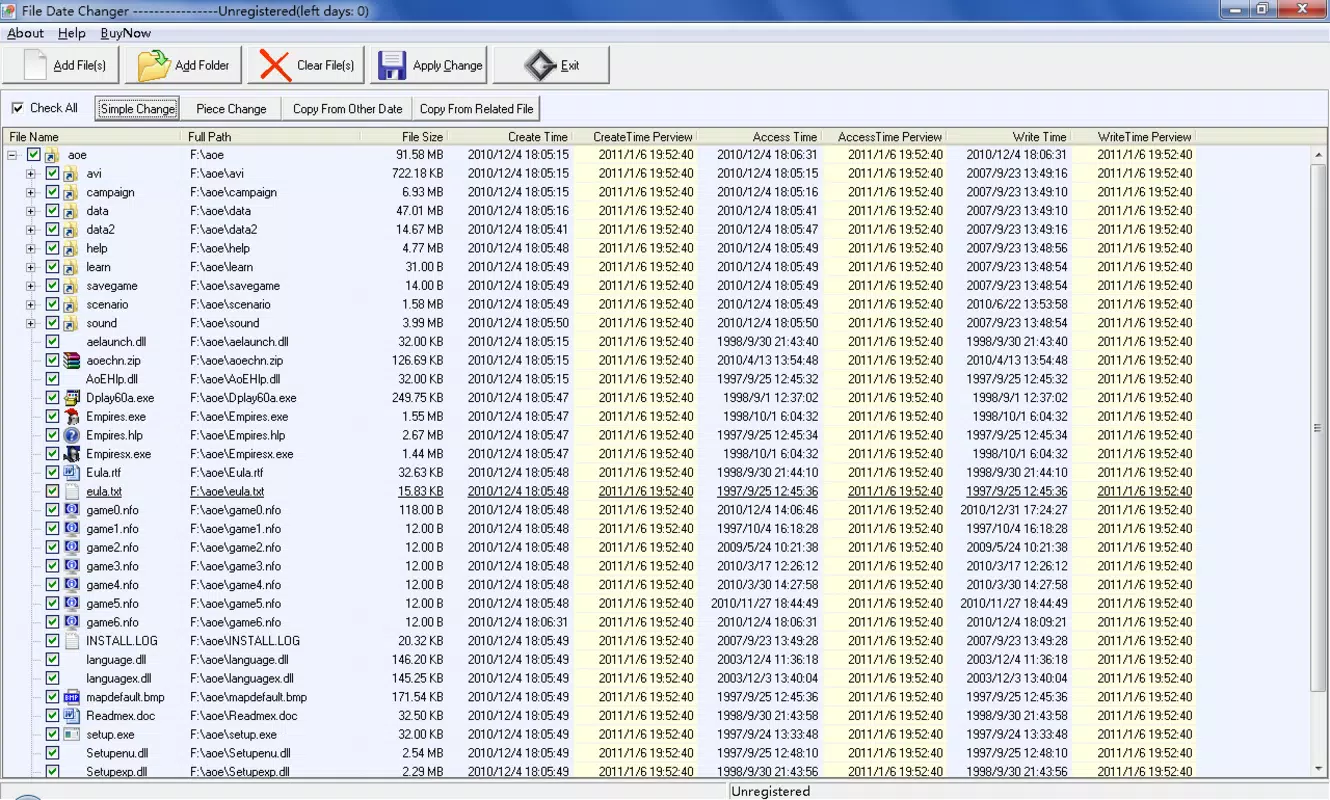
- Batch Processing Support: The app enables the selection of multiple files or folders simultaneously, allowing users to apply date changes in bulk. This feature significantly reduces the time required for large-scale metadata updates.
- Intuitive User Interface: Designed with usability in mind, the interface presents essential functions in a clear, uncluttered layout. Navigation is straightforward, minimizing the learning curve for new users.
- Lightweight Performance: At just 1.4 MB, the application consumes minimal system resources. It operates efficiently without impacting device performance, making it suitable for use on older or low-spec Android devices.
- Use Case Flexibility: While not a daily tool, File Date Changer proves valuable in specific situations such as digital archiving, software testing, or preparing files for backup systems that rely on timestamp validation.
For example, a user transferring files from an old system might use the app to standardize creation dates across a directory. Similarly, a developer testing file processing logic could simulate older or newer files by adjusting timestamps. These practical applications demonstrate the app’s utility beyond basic file management.
Interface, UX & Performance
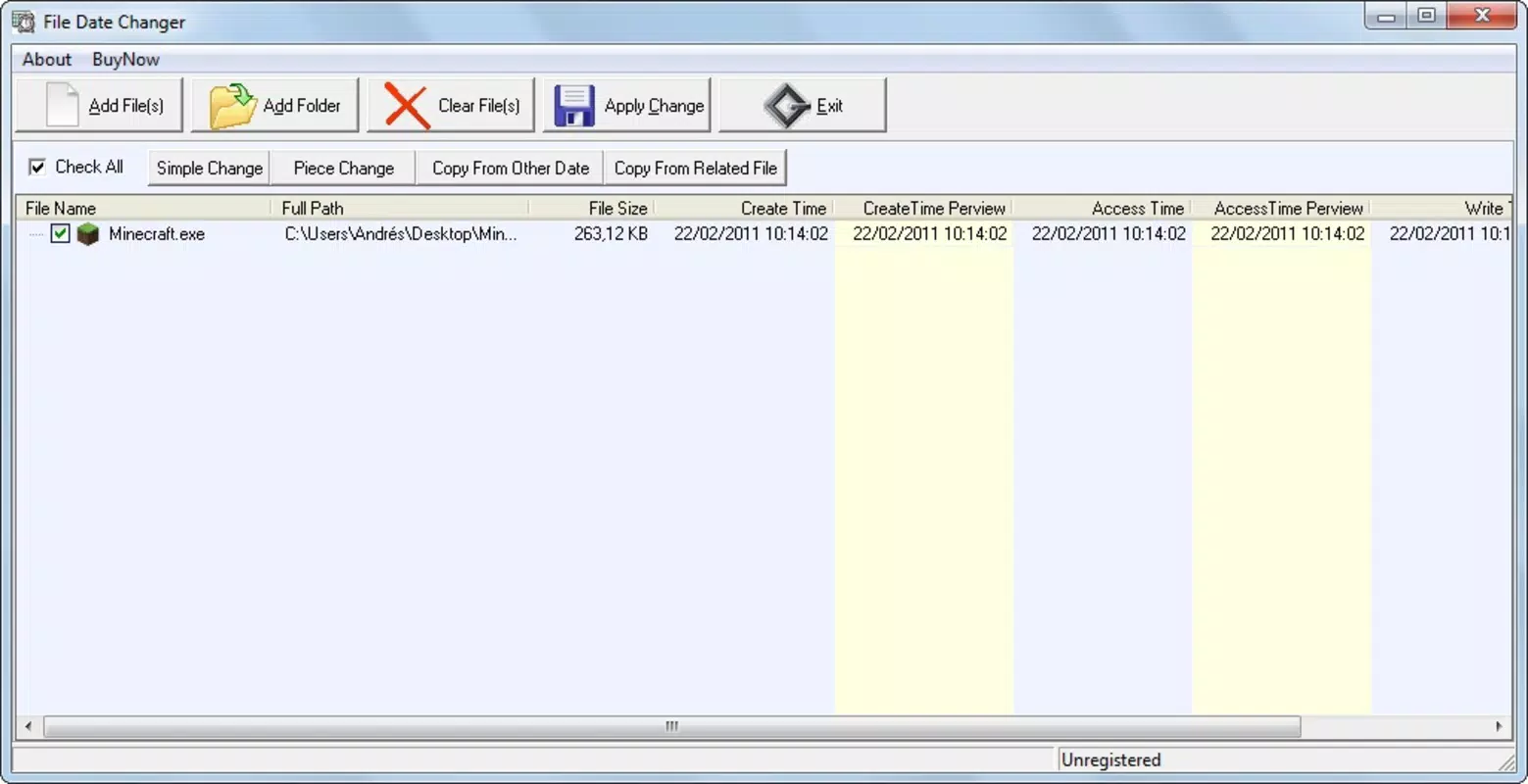
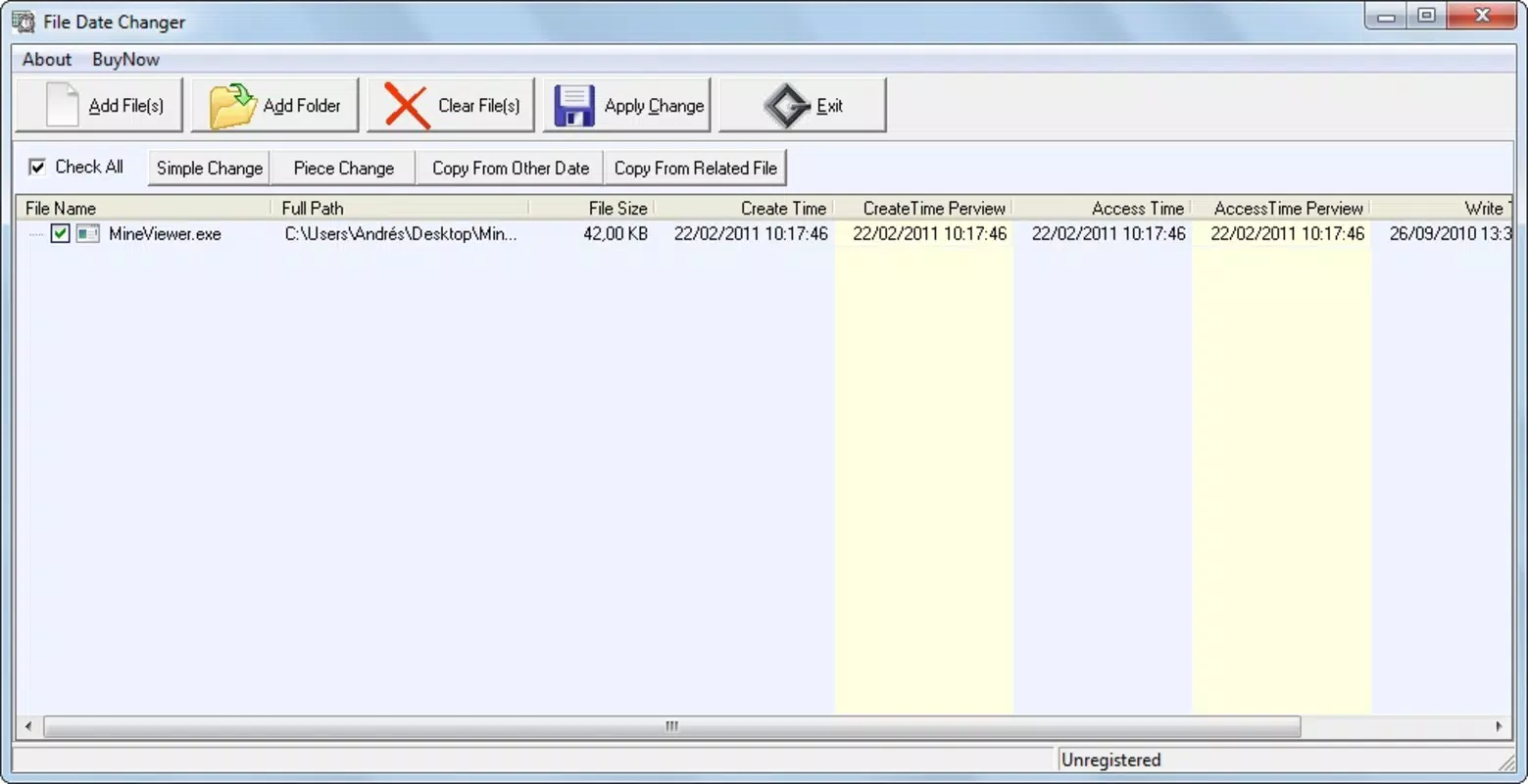
The user interface of File Date Changer reflects a minimalist design philosophy, focusing on functionality over visual embellishment. The layout is structured around a central file selection area, with date input fields and action buttons clearly labeled. Navigation is linear and predictable, with users progressing from file selection to date adjustment and execution in a single workflow.
Interaction is smooth and responsive, with minimal lag even when processing multiple files. Although the developer did not list formal performance metrics, the app’s lightweight nature suggests consistent responsiveness across a range of Android devices. The absence of animations or complex transitions contributes to its efficiency and fast load times.
Stability appears to be a strength, as the app performs its core tasks without crashes or errors during standard use. The lack of background processes or permissions beyond file access indicates a secure and focused design. Users can expect reliable operation when performing date modifications, with no noticeable impact on device performance.
While the interface is functional, it does not include advanced customization options or detailed logging. However, this restraint aligns with the app’s purpose: to deliver a focused, no-nonsense utility without distractions.
Platform Compatibility & Technical Requirements
File Date Changer is available exclusively on the Android platform. The current version is 1.1.0, with a file size of 1.4 MB, indicating a highly optimized build. The developer did not specify minimum OS requirements, so compatibility with older Android versions cannot be confirmed. However, given the app’s small size and lack of complex dependencies, it is likely to function on devices running Android 5.0 (Lollipop) or later.
Installation is straightforward via official app stores or direct APK download, making it accessible to users across various Android ecosystems. The app does not require internet access to operate, ensuring privacy and offline usability. Users should ensure their device has sufficient storage space and file system permissions to access and modify the desired files.
Specific requirements were not listed, and no additional hardware dependencies were mentioned. This suggests the app is designed for broad compatibility with standard Android devices.
Pros and Cons
Pros
- Free to download and use with no in-app purchases
- Lightweight at only 1.4 MB, ideal for low-storage devices
- Supports batch processing for efficient multi-file updates
- Simple, intuitive interface suitable for all user levels
- Operates offline without requiring internet access
Cons
- Developer did not provide detailed OS compatibility information
- Limited to Android platform; no iOS or desktop version available
- No advanced features such as date presets or exportable logs
- Interface lacks visual feedback for completed operations
- Does not support file type filtering or recursive folder processing
FAQ
Is File Date Changer safe to use?
Yes, the app operates locally on your device and does not require internet access. It modifies file metadata directly without uploading data or installing system-level components. As long as users have proper file system permissions, the app is considered secure for its intended purpose.
Can I change the date of any file on my device?
File Date Changer can modify the creation and last modified dates of files and folders, provided the device’s file system allows such changes and the user has appropriate access permissions. Some system-protected files or those in restricted directories may not be editable.
Does the app work on older Android devices?
The developer did not specify minimum OS requirements. However, given the app’s small size and simple functionality, it is expected to run on Android 5.0 and later versions. Users with older devices should test the app to confirm compatibility.
Is there a version available for iOS or Windows?
Currently, File Date Changer is only available for Android. There is no official version for iOS, macOS, or Windows. Users on other platforms may need to explore alternative tools for similar functionality.
How do I update File Date Changer?
Updates are typically available through the Google Play Store or the developer’s official website. Users should check for updates periodically to ensure they are using the latest version with potential bug fixes and improvements.
Final Thoughts
File Date Changer delivers a focused, reliable solution for users who need to modify file timestamps on Android. Its lightweight design, free access, and batch processing capabilities make it a practical addition to any productivity toolkit, especially for those managing digital archives or preparing files for specific workflows. While it lacks advanced features and platform diversity, its simplicity and efficiency are strengths in its niche.
For individuals who occasionally require control over file metadata—such as digital organizers, testers, or system administrators—this app provides a trustworthy and secure method to adjust creation and modification dates without complexity. It stands out in the productivity category not by being feature-heavy, but by being precisely effective.
Download File Date Changer now


